How to Use Philips Sonicare 4100 Toothbrush
QUICK ANSWER
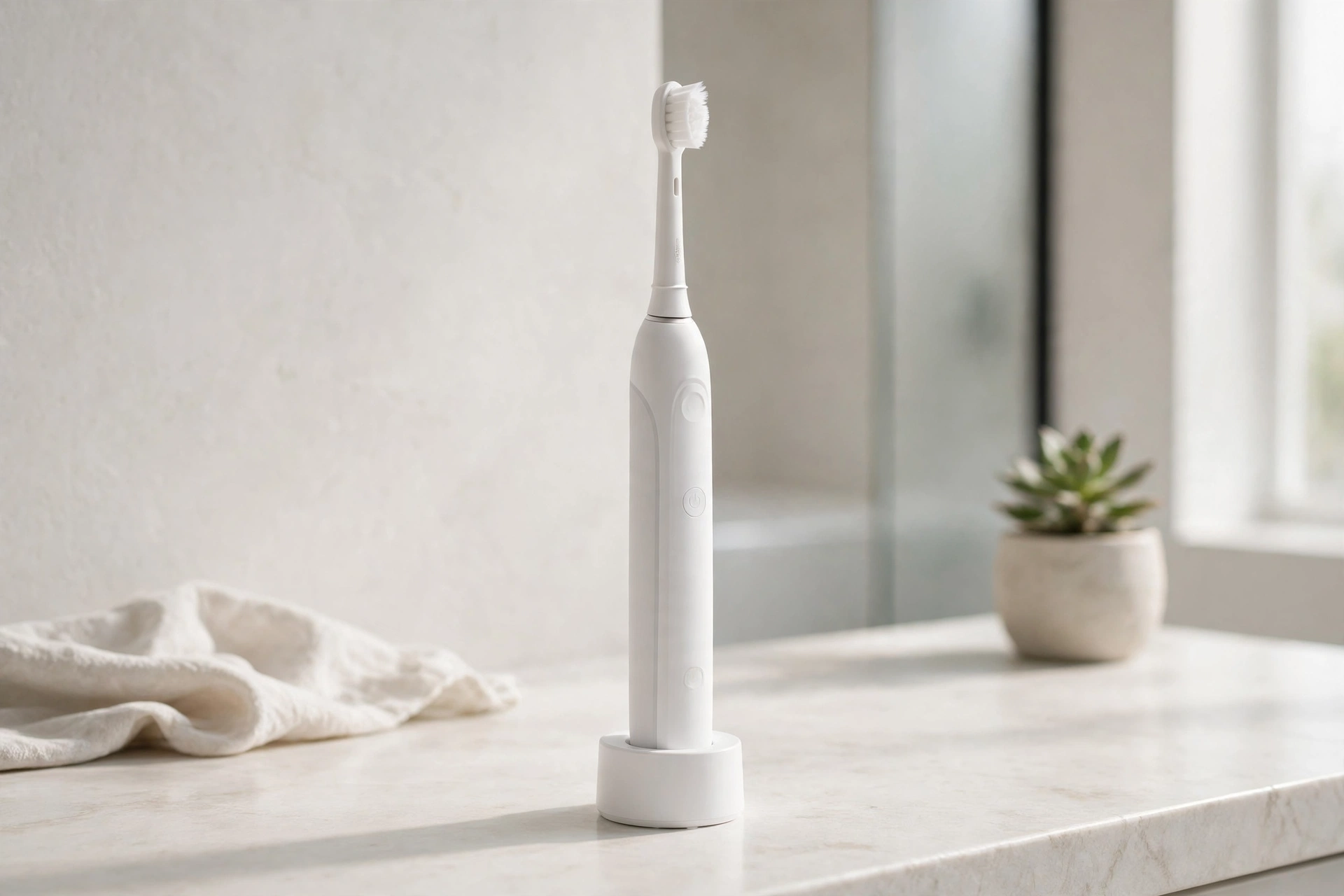
This guide shows how to use Philips Sonicare 4100 toothbrush step by step. Charge the handle for 24 hours before first use. Fit the brush head onto the metal shaft, bristles facing the same way as the front of the handle. Wet the bristles, add some toothpaste, and place the brush head against your teeth at a slight angle towards the gumline. Press the power button and glide it slowly from tooth to tooth. Do not scrub. The brush runs for two minutes, then turns itself off.
WHAT IS IN THE BOX
The box holds three things: one handle, one brush head, and one charger. The brush head is the C2 Optimal Plaque Control brush head. The handle is black, with a power button and two small lights: one for the battery, and one for brush head replacement. Check that all three parts are in the box.
HOW TO USE PHILIPS SONICARE 4100 TOOTHBRUSH: FIRST CHARGE
Charge the toothbrush before first use. Place the handle on the charger and plug it in. The battery light flashes while it charges. For the first use, charge it for at least 24 hours. A full charge gives about two weeks of regular use: two two-minute brushings per day. Make sure the handle sits correctly on the charger, or it may not charge.
HOW TO USE PHILIPS SONICARE 4100 TOOTHBRUSH: FITTING THE BRUSH HEAD
Hold the handle with the front facing you. The front is the side with the power button. Turn the brush head so the bristles face the same way as the front of the handle. Push it down firmly onto the metal shaft until it stops. Do not twist it. If it feels loose, take it off and fit it again.
HOW TO USE PHILIPS SONICARE 4100 TOOTHBRUSH: HOW TO BRUSH STEP BY STEP
Wet the bristles and apply a small amount of toothpaste. Place the brush head against your teeth at a slight angle towards the gumline. Put the brush in your mouth first, so toothpaste does not splash. Press the button to start. Glide the brush head slowly across your teeth. Let the sonic action do the work. Do not scrub. Move from tooth to tooth and cover all surfaces: outer, inner, and chewing. After two minutes, the brush turns itself off.
HOW TO USE PHILIPS SONICARE 4100 TOOTHBRUSH: CLEANING MODES
This model has one cleaning mode. There is no second mode and no intensity button. Press the power button once to start and once to stop. If the vibrations feel too strong, you may be pressing too hard. If they feel too weak, check the battery. During the first 14 brushings, Easy-Start builds up power slowly, so the brush may feel gentler at first.
PRESSURE SENSOR: HOW TO USE PHILIPS SONICARE 4100 TOOTHBRUSH WITHOUT PRESSING TOO HARD
The pressure sensor warns you when you press too hard. The toothbrush will vibrate differently and the handle will show a warning. When that happens, ease off. Let the brush head rest lightly on your teeth. Hard pressure does not clean better. The manual says to reduce pressure so the brush can clean well and protect your gums.
QUADPACER AND SMARTTIMER: HOW TO USE PHILIPS SONICARE 4100 TOOTHBRUSH TIMERS
The SmarTimer turns the brush off by itself after two minutes. Two minutes is the time recommended by dental professionals. The Quadpacer signals every 30 seconds, so you move to the next quadrant of your mouth. Your mouth has four quadrants: upper right, upper left, lower right, and lower left. Spend about 30 seconds on each one. The timers run every time you brush.
EASY-START FOR NEW USERS
Easy-Start is for new users. For the first 14 brushings, it slowly increases the brushing power. This helps you get used to the Sonicare feeling. The first brushing feels gentler than later ones. By the 14th brushing, the power is at full level. You do not need to turn Easy-Start on. To turn it off, check the full user manual.
CLEANING THE HANDLE AND BRUSH HEAD
Clean the toothbrush after each use. Rinse the brush head under running water. Then remove the head and rinse the metal shaft area. Wipe the handle with a damp cloth. Unplug the charger before you wipe it with a damp cloth. Do not immerse the charger in water. Let the parts dry, then store the toothbrush in a cool, dry place.
REPLACING THE BRUSH HEAD
The BrushSync reminder light tells you when to replace the brush head. In general, that is about every three months. Replace it sooner if the bristles look frayed. Pull the old head straight off the metal shaft. Fit the new head the same way: bristles facing the front, pushed down firmly until it stops. Then reset the reminder using the steps in the full user manual.
WHAT NOT TO DO
Do not use the toothbrush before the first 24-hour charge. Do not fit the brush head with the bristles facing backwards. Do not scrub or press hard. If the pressure sensor warns you, ease off. Do not look for a second cleaning mode. This model has one. Do not immerse the charger in water. Do not use a brush head from another brand. Do not buy the wrong model. This guide is for model HX6810/50, ASIN B078GVMVRH.
TROUBLESHOOTING: HOW TO USE PHILIPS SONICARE 4100 TOOTHBRUSH WHEN IT DOES NOT WORK
If the toothbrush does not turn on, check the charge. A new unit needs a 24-hour charge. Press the power button firmly. If it does not charge, try a different outlet and make sure the handle sits correctly on the charger. If the vibrations feel too strong, you may be pressing too hard. If they feel too weak, check the battery and remember Easy-Start. If the replacement reminder light is on, fit a new brush head. For other problems, check the official Philips Sonicare user manual or contact Philips customer support.
ABOUT THIS MODEL
The Philips Sonicare ProtectiveClean 4100, model HX6810/50, is a rechargeable electric toothbrush in black. It comes with one handle, one C2 Optimal Plaque Control brush head, and one charger. It has one cleaning mode, a pressure sensor, a SmarTimer that stops the brush after two minutes, a Quadpacer that signals every 30 seconds, and Easy-Start for the first 14 brushings. A full charge gives about two weeks of regular use. This guide covers HX6810/50 only. The newer 4100 version HX3681/24, ASIN B09LQXMM4P, and the pink HX6815/01, ASIN B078D75HMM, are different listings.
Important warning: Amazon flags a newer version of this toothbrush on the HX6810/50 listing, and a cached Amazon page from 2026-05-02 said there were no featured offers available for ASIN B078GVMVRH. This exact model may be hard to find or out of stock. Check the live listing before you buy. Confirm the listing is in stock and the model number is HX6810/50.
Price: Not verified on Amazon live on 2026-11-17. Check the live price on Amazon before you buy.
FREQUENTLY ASKED QUESTIONS
How do I use Philips Sonicare 4100 toothbrush for the first time?
Charge the handle for 24 hours first. Fit the brush head, bristles facing the front of the handle. Wet the bristles, add toothpaste, place the brush head against your teeth at a slight angle towards the gumline, and press the power button. Brush for two minutes.
How long should I charge the Philips Sonicare 4100 before first use?
Charge it for at least 24 hours. The battery light flashes while it charges. A full charge gives about two weeks of regular use.
How do I fit the brush head on the Philips Sonicare 4100?
Turn the brush head so the bristles face the same direction as the front of the handle. Push it down firmly onto the metal shaft until it stops.
How many cleaning modes does the Philips Sonicare 4100 have?
It has one cleaning mode. Press the power button once to start and once to stop. There is no second mode or intensity button.
What does the pressure sensor do on the Philips Sonicare 4100?
If you press too hard, the toothbrush vibrates differently and the handle shows a warning. Ease off.
What are the Quadpacer and SmarTimer on the Philips Sonicare 4100?
The SmarTimer turns the brush off after two minutes. The Quadpacer signals every 30 seconds so you move to the next quadrant of your mouth.
What is Easy-Start on the Philips Sonicare 4100?
Easy-Start slowly increases the brushing power over the first 14 brushings. It helps new users get used to the Sonicare feeling.
How often should I replace the brush head on the Philips Sonicare 4100?
Replace it about every three months, or sooner if the bristles are frayed. The BrushSync reminder light lights up when it is time to change the head.
Why is my Philips Sonicare 4100 not turning on?
Check the charge first. A new unit needs a 24-hour charge. Press the power button firmly.
Which model is this guide for?
This guide is for the Philips Sonicare ProtectiveClean 4100, model HX6810/50, black, ASIN B078GVMVRH. Other 4100 versions are different listings.
FINAL VERDICT
Learning how to use Philips Sonicare 4100 toothbrush is simple once you know the routine. Charge it for 24 hours first. Fit the brush head with the bristles facing forward. Wet the bristles, add a small amount of toothpaste, and glide the brush slowly from tooth to tooth for two minutes. Do not scrub and do not press hard. The SmarTimer and Quadpacer handle the timing for you. Easy-Start eases new users in over the first 14 brushings. Rinse it after each use, and change the brush head about every three months. Before you buy, check the listing: this exact model, HX6810/50, may be out of stock, and Amazon points buyers to a newer 4100 version. If you like simple gear with clear steps, see How to Connect Keychron K2 to Mac Bluetooth — https://anaturalday.net/post/how-to-connect-keychron-k2-to-mac-bluetooth — for the same plain approach with a keyboard.
SOURCES
- Philips Sonicare ProtectiveClean 4100 Rechargeable Electric Power Toothbrush User Manual — https://manuals.plus/asin/B078GVMVRH — accessed 2026-11-17.
- Amazon product page — https://www.amazon.com/dp/B078GVMVRH?tag=theinfojourna-20 — checked 2026-11-17. Price, rating, and availability: Not Found / Unverified.

Written by
MD DOLAR HOSEN
Technology expert and the founder and author of A Natural Day. He tests and reviews everyday tech, gadgets, and home essentials, and writes practical buying gui…


Comments (0)
Join the discussion — sign in to leave a comment.
Sign in to commentNo comments yet. Be the first to share your thoughts.