Laptop vs Tablet: Which Is Better for Study and Work in 2026?
Affiliate disclosure: as an Amazon Associate, A Natural Day earns from qualifying purchases made through links on this page, at no extra cost to you.
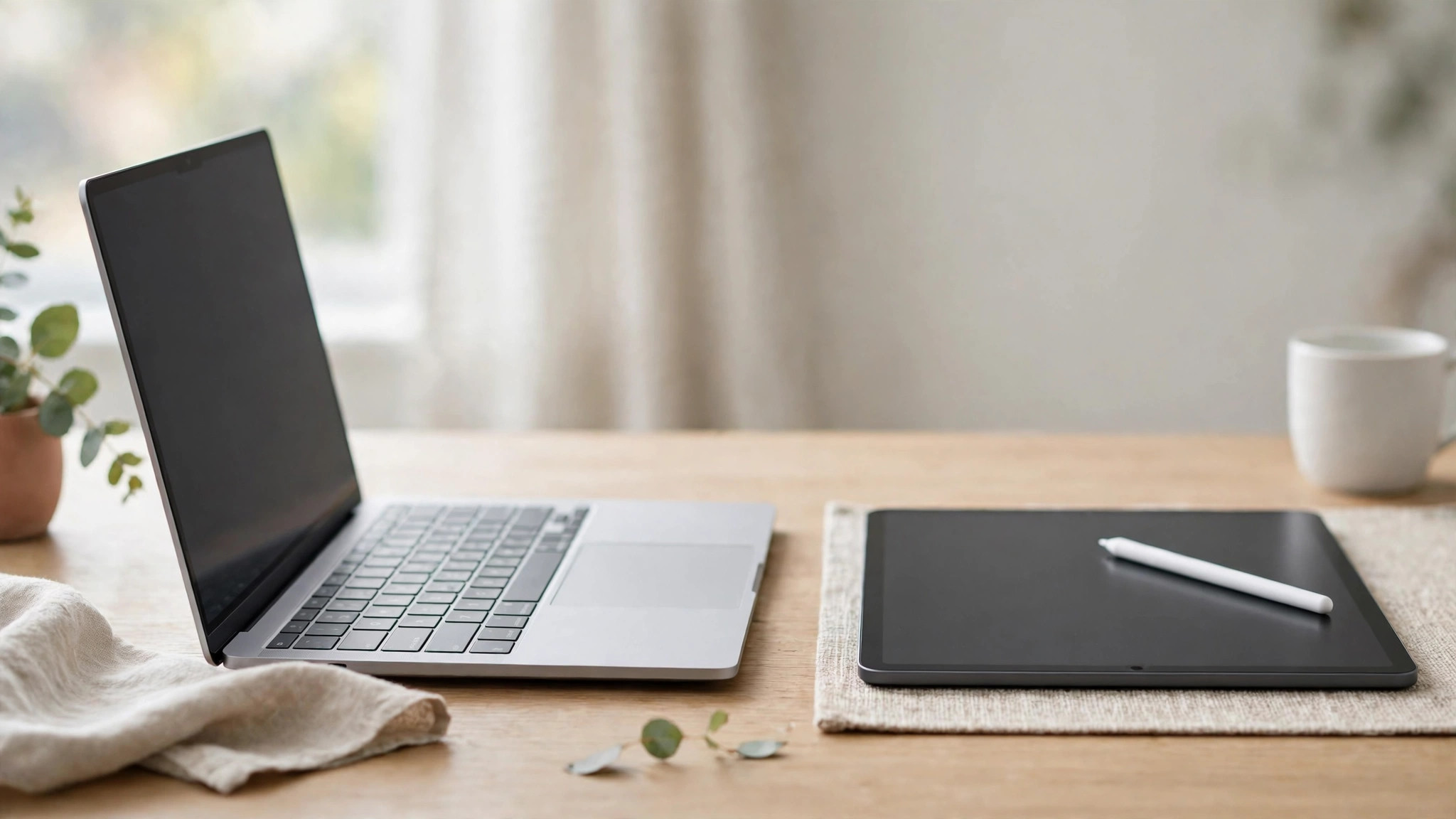
Students and home workers ask this question every year: should I buy a laptop or a tablet? Both can take notes, join video calls and stream lectures. But they are good at different things, and buying the wrong one is an expensive mistake.
This guide compares them honestly — what each one does well, where each one struggles, and how to decide based on the work you actually do. There are no prices to chase here: this is about choosing the right type of device first, then finding a model that fits your budget.
The Short Answer
Buy a laptop if you type long documents, use several programs at once, need specific software (spreadsheets with macros, coding tools, design apps, exam software), or want one device that does everything for 3–4 years.
Buy a tablet if your work is mostly reading, watching, annotating PDFs and taking handwritten notes — and you already have access to a computer for heavy tasks, or your courses are fully web-based.
Still unsure? Buy the laptop. A laptop can do almost everything a tablet can, slowly. A tablet cannot do everything a laptop can, no matter which accessories you add.
Side-by-Side Comparison
| Question | Laptop | Tablet |
|---|---|---|
| Typing long essays | Excellent — full keyboard, real trackpad | Weak without a keyboard case; acceptable with one |
| Handwritten notes and diagrams | Poor (unless it is a 2-in-1) | Excellent with a stylus |
| Reading and annotating PDFs | Acceptable | Excellent — light, portrait-friendly |
| Multitasking | Full windows, many apps side by side | Split screen on newer models, still limited |
| Software | Full desktop programs (Windows/macOS) | Mobile apps; some desktop-class apps on iPad |
| Video calls | Good; camera at desk height | Good; front cameras are often better |
| Battery life | 7–12 hours typical | 10–14 hours typical |
| Weight in a bag | 1.3–1.8 kg plus charger | 0.5–0.7 kg plus a small charger |
| Ports | USB, HDMI, often an SD reader | Usually one USB-C port only |
| Repairs and upgrades | Storage/RAM sometimes upgradeable | Almost never upgradeable |
| Lifespan for study/work | 3–5 years | 3–4 years, until apps outgrow it |
When a Laptop Is the Right Choice
- You write a lot. Essays, reports, theses and long emails are simply faster and less tiring on a real keyboard with a proper screen angle.
- Your course or job needs specific software. Engineering tools, statistics packages, coding environments, accounting software and many exam platforms are built for Windows or macOS — some refuse to run on tablets at all.
- You multitask. A document, a browser with ten tabs, a PDF and a video call at the same time is normal laptop work and hard work for a tablet.
- You connect things. Printers, external drives, monitors, USB sticks from classmates — a laptop takes them all without adapters.
- It is your only computer. One device that does everything beats a cheaper device that does most things.
If this sounds like you, our guide to the best budget laptops for students under $500 compares five current models with checked prices.
When a Tablet Is the Right Choice
- You read and annotate all day. Highlighting PDFs, marking up slides and reading e-books is more comfortable on a tablet than on any laptop.
- You take handwritten notes. With a stylus, a tablet replaces notebooks for lectures, maths, languages and diagrams — and your notes are searchable and backed up.
- You travel light. Half the weight, all-day battery, and instant-on for a quick look between classes.
- Your work is fully online. If everything you do lives in a browser — Google Docs, your school portal, video lectures — a tablet plus a keyboard case covers it.
- It is your second device. A tablet beside a shared family computer or a library PC is a sensible, cheaper combination.
The Hidden Costs of a Tablet
A tablet's shelf price is not its real price. Before you compare, add what most students end up buying:
- A keyboard case — essential for typing, and good ones are not cheap.
- A stylus — the main reason to choose a tablet, often sold separately.
- A USB-C hub — for drives, HDMI and wired internet through one small port.
- App subscriptions — some note-taking and office apps charge yearly on tablets while the laptop versions are included with your school account.
With those added, a mid-range tablet often costs the same as a budget laptop — while still doing less. That does not make it a bad buy; it makes the honest comparison a laptop against a tablet plus its kit.
What About a 2-in-1 Laptop?
A 2-in-1 (convertible) laptop folds its screen back into a tablet shape, and many support a stylus. It is the genuine middle path: full laptop software, with handwriting and reading modes when you need them. The trade-offs are weight (heavier than a tablet) and price (usually a step above a basic laptop). If you want one device for typing and handwritten notes, a 2-in-1 is usually a smarter buy than a tablet plus accessories.
How to Decide in 5 Minutes
- List the three tasks you will do most. If two of them need desktop software or long typing, choose a laptop.
- Check your course or job requirements page — if it names Windows or macOS software, the decision is already made: laptop.
- If everything is web-based and you love handwritten notes, choose a tablet — and budget for the keyboard case and stylus in the same purchase.
- If you want both worlds in one device, look at 2-in-1 laptops.
- Whichever you choose, spend on RAM and storage before screen size — you feel them every day. Our buying-checklist approach for phones works the same way for computers: chip, memory, storage, battery, updates.
Shopping for a tablet? See student tablets with stylus support on Amazon. Shopping for a laptop? See budget student laptops on Amazon. Prefer both in one? See 2-in-1 laptops on Amazon.
Frequently Asked Questions
Can a tablet replace a laptop for university?
For web-based courses with light typing, yes — with a keyboard case. For courses that require desktop software, proctored exam tools or heavy multitasking, no. Check your course requirements before you decide.
Is an iPad better than an Android tablet for study?
Both work. iPads have the widest range of note-taking apps and the longest software support; Android tablets often cost less and handle files and multitasking more like a computer. Choose based on the apps your course uses and your budget, not the logo.
How much storage do I need?
128 GB is the practical minimum for a tablet you will keep for years; 256 GB is comfortable for a laptop. Lecture recordings and offline video eat space faster than documents.
Should I buy a cheap laptop or a good tablet at the same price?
If it is your only device, the laptop — it does more, for longer. If you already have access to a computer, the good tablet is the better second device.
The honest summary: a tablet is the better reading and note-taking tool; a laptop is the better everything tool. Choose for the work you actually do, and you will not need to buy twice.

Written by
MD DOLAR HOSEN
Technology expert and the founder and author of A Natural Day. He tests and reviews everyday tech, gadgets, and home essentials, and writes practical buying gui…



Comments (0)
Join the discussion — sign in to leave a comment.
Sign in to commentNo comments yet. Be the first to share your thoughts.