Work-From-Home Desk Setup Essentials in 2026: 7 Upgrades That Matter

Affiliate disclosure: as an Amazon Associate, A Natural Day earns from qualifying purchases made through links on this page, at no extra cost to you.
Working from home on a laptop at the kitchen table works for a week. By the second month, your neck hurts, your eyes are tired, and the tangle of cables under the desk drives you quietly mad. A good desk setup is not about buying gadgets — it is about fixing seven small problems in the right order.
This guide walks through the essentials: what each item actually does for you, what to check before you buy one, and what you can safely skip. No prices to chase and no RGB required — just a desk that helps you work all day without paying for it in the evening.
Start Here: The Order Matters
Buy in this order, because each step makes the next one work better:
- Chair and desk height — your posture base.
- Screen height — a stand or monitor arm.
- Light — for your eyes and your video calls.
- Keyboard and mouse — the things your hands touch all day.
- Cables and power — one tidy charging point.
- Sound — earbuds or a headset for calls.
- Small comforts — only after the first six are right.
1. The Chair: Where the Money Should Go First
You sit in it for more hours than you sleep in your bed's first shift. A good chair has adjustable height, real lower-back (lumbar) support, and armrests that let your elbows rest at desk height. Your feet should sit flat on the floor with your knees at about 90 degrees.
What to check: seat height range that matches your desk (most desks are about 73–75 cm high), a backrest that supports your lower back rather than just touching it, and a weight rating above your own weight. If a new chair is out of budget, a lumbar cushion and a footrest fix half the problem for very little money.
See ergonomic office chairs on Amazon
2. Screen Height: The Cheapest Fix for Neck Pain
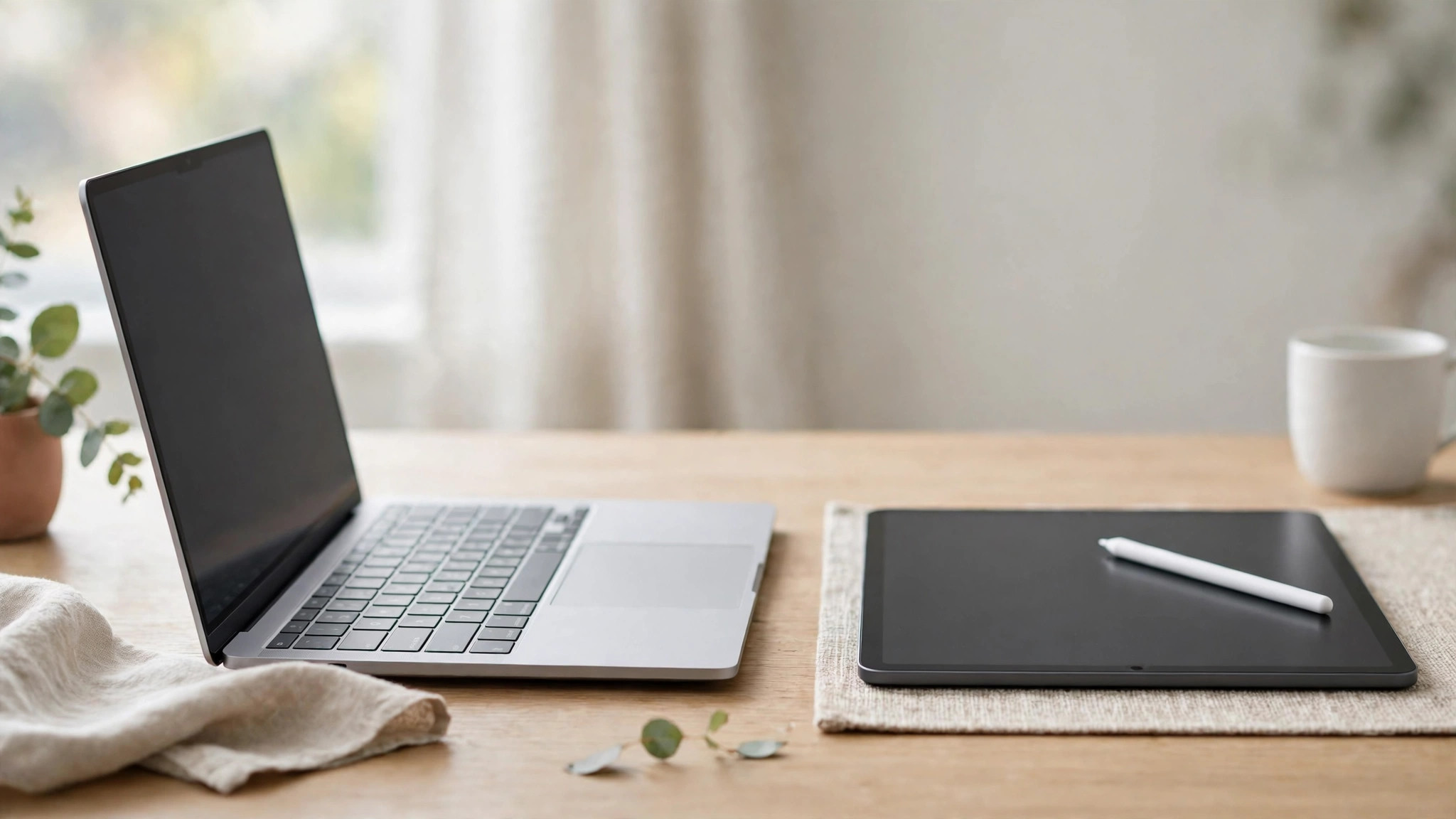
The top of your screen should sit at, or just below, eye level, about an arm's length away. A laptop on a flat desk fails this completely — which is why laptop users hunch. Two fixes:
- A laptop stand lifts the screen to eye level. Essential partner: an external keyboard and mouse, because typing on a raised laptop is worse than the problem you started with.
- An external monitor (24–27 inches is the sweet spot for most desks) gives you screen space for documents side by side, and the laptop becomes a second screen.
What to check: for a stand — stability at your laptop's weight, and height adjustment. For a monitor — an IPS panel, 1080p at 24 inches or 1440p at 27 inches, and a height-adjustable stand or a VESA mount for an arm.
See adjustable laptop stands on Amazon
3. Light: For Your Eyes and Your Calls
Two rules cover most of it. First, do not sit with a bright window behind you — your camera sees a silhouette, and your meetings see a shadow. Face the window or put it to your side. Second, after dark, light your face and your desk, not the ceiling: a simple desk lamp with warm-to-neutral light, placed to the side, removes eye strain and makes you look awake on calls.
What to check: a lamp with adjustable brightness and colour temperature (2700K–5000K covers evening to daytime), a head you can angle away from your screen to avoid glare, and a base or clamp that fits your desk depth.
4. Keyboard and Mouse: Your Hands Will Thank You
If your laptop is on a stand, an external keyboard and mouse are not optional. Look for a keyboard with a gentle typing feel and a layout you already know — full-size if you use numbers, compact (tenkeyless) if your desk is small. A mouse that fits your hand matters more than its spec sheet: your wrist should stay straight, not bent upward.
What to check: wireless with a long battery life (months, not days) to keep the desk clear; Bluetooth multipoint if you switch between a laptop and a tablet; and quiet switches if you share a room. Our earbuds guide covers the sound side of the same desk.
See wireless keyboard and mouse combos on Amazon
5. Cables and Power: One Tidy Charging Point
The difference between a calm desk and a messy one is usually ten minutes with cable ties. The setup that works: one power strip mounted under or behind the desk, one USB-C charger that can power your laptop and phone, and cables routed along the desk edge — not dangling in front of your legs.
What to check: a surge-protected power strip (your equipment is worth more than the strip), a charger with enough watts for your laptop (65W covers most), and a small cable management box or clips. Label both ends of any cable you unplug often — future you says thanks.
See cable management boxes on Amazon
6. Sound: Be Heard Clearly
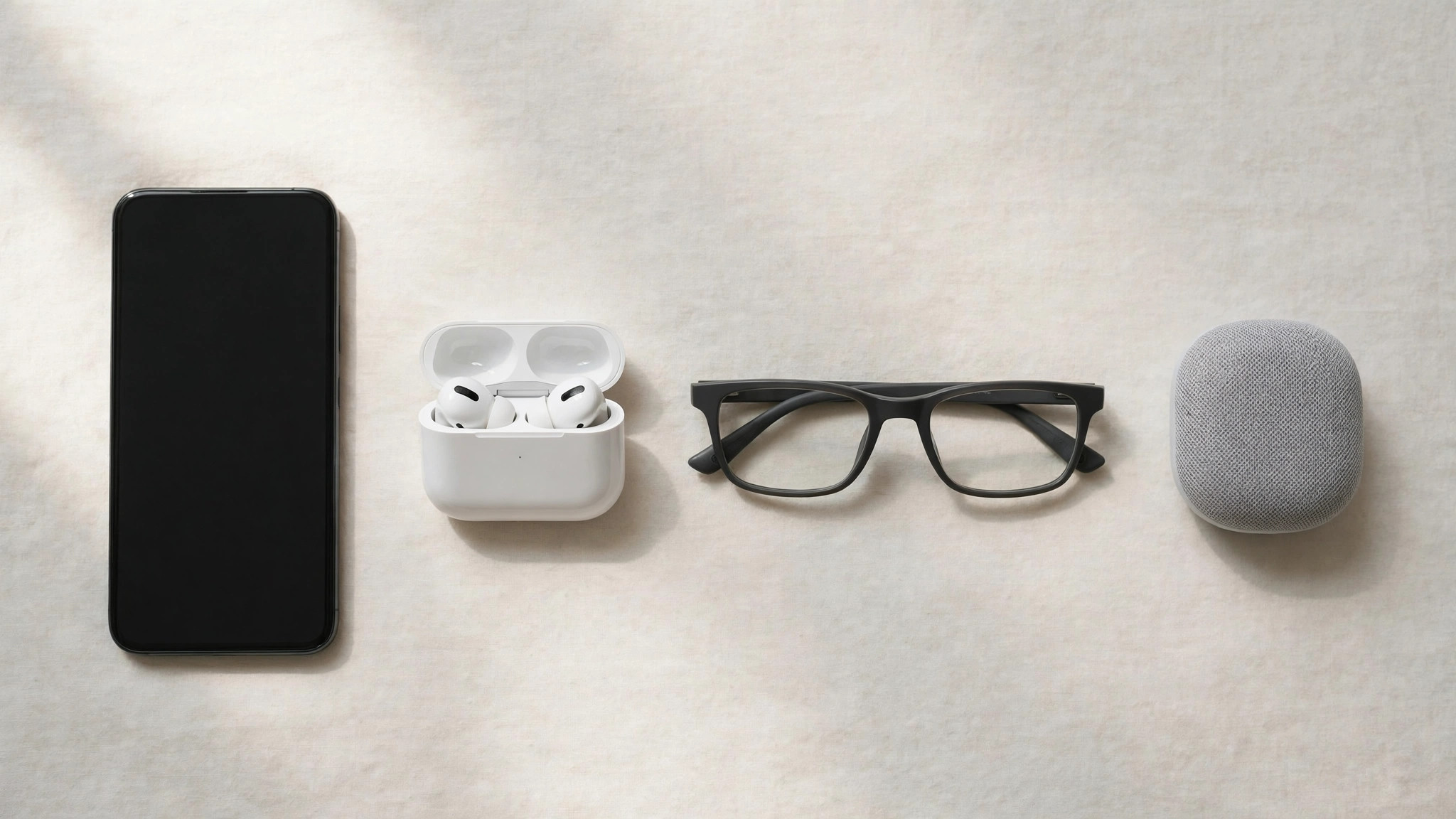
For calls, the microphone matters more than the speakers. A pair of earbuds with decent mics — or a basic USB headset if you present often — makes you sound clear in the next room, and keeps household noise out of your meetings. Keep them in a small tray or hook by the desk so they are always charged and always findable.
7. Small Comforts (Only After the Rest)
- A footrest if your feet do not rest flat — posture starts at the floor.
- A desk mat — defines your work zone and softens the desk edge for your wrists.
- A water bottle within reach — the least technical item on this page, and the one people actually use daily.
- A plant or a photo — a desk you like looking at is a desk you keep tidy.
What You Can Safely Skip
- A second monitor before your first screen is at the right height — fix height first.
- A standing desk as a first purchase — a good chair and screen height help more, sooner. (If you already have the basics and your back still complains, then it earns its place.)
- Matching everything by colour before it works by function. Comfort first, aesthetics second — the photos can come later.
Frequently Asked Questions
What is the single best upgrade for a home desk?
Screen height. A stand (plus an external keyboard and mouse) fixes neck and shoulder strain for less than almost any other change.
How high should my desk and chair be?
Set the chair so your feet are flat and your knees are near 90 degrees; your elbows should rest at desk height with your shoulders relaxed. Most desks are fixed at about 73–75 cm, so adjust the chair — and add a footrest if your feet no longer reach the floor.
Do I need an external monitor?
Not at first. A laptop stand gives you the posture benefit. Add a monitor when your work regularly needs two documents side by side — that is when it pays for itself.
How do I look better on video calls without buying lights?
Face a window, raise the laptop so the camera is at eye level (books under it work), and put a plain background behind you. Those three free changes beat most gadgets.
The honest summary: fix your chair, your screen height and your light before you buy anything decorative. A work-from-home desk is a tool — set it up like one, and it will quietly make every working day easier.

Written by
MD DOLAR HOSEN
Technology expert and the founder and author of A Natural Day. He tests and reviews everyday tech, gadgets, and home essentials, and writes practical buying gui…


Comments (0)
Join the discussion — sign in to leave a comment.
Sign in to commentNo comments yet. Be the first to share your thoughts.