What to Check Before Buying a Smartphone in 2026: A Simple Guide
Affiliate disclosure: As an Amazon Associate, A Natural Day earns from qualifying purchases made through links on this page, at no extra cost to you. Prices and availability change often — please check the final price on Amazon before ordering. Read our full Affiliate Disclaimer.
A phone is the one thing most people use every day, for years. The wrong choice is expensive to fix. This guide does not tell you which single phone to buy. It tells you the 10 things to check before you buy any phone in 2026 — in plain words, with the numbers that are good enough for most people, and the traps to avoid.
In 2026, even a phone under $300 can have a bright screen, 5G, a 5,000 mAh battery and a good camera. That is good news — and it makes buying harder, because the spec sheet no longer tells you which phone is actually good. The trick is to check the things that decide how a phone feels after six months, not on day one.
Work through the 10 checks below in order. If a phone passes them, it is a good buy at its price. If it fails two or three, keep looking — even if the price looks like a deal.
The 10 checks at a glance
| # | Check | Good enough for most people | Walk away if… |
|---|---|---|---|
| 1 | Budget | Decide the number first, then shop inside it | The "deal" pushes you one tier higher than you planned |
| 2 | Software updates | 4+ years of security updates promised in writing | No written update promise at all |
| 3 | Processor | Runs your apps smoothly today, not just in a benchmark | The chip is two or more years old in a new phone |
| 4 | RAM and storage | 8 GB RAM, 128 GB storage | 4 GB RAM or 64 GB storage with no memory-card slot |
| 5 | Display | Bright, sharp, comfortable to read outside | Dim screen, or 60 Hz only on a phone over $200 |
| 6 | Battery and charging | 5,000 mAh and a full day of real use | No charger in the box and no fast charging |
| 7 | Camera | Big sensor with optical image stabilisation (OIS) | Only a big megapixel number, no OIS, no real samples |
| 8 | 5G and carrier | Works on your carrier's 5G bands, unlocked | Locked to another carrier, or missing your carrier's main band |
| 9 | Build and water resistance | Solid feel, at least splash resistance | No water rating and a slippery glass back with no case included |
| 10 | New vs used, warranty and returns | 1-year maker warranty, clear return window | No warranty, no return, or a used phone with no battery-health report |
1. Set your budget first
Decide the most you will spend before you look at any phone. Then shop inside that number. Three bands cover most buyers in 2026:
- Under $200 — basic, done well. Calls, messages, social media, video and light photos. Expect a good screen and a big battery, and a simpler camera.
- $200–$400 — the sweet spot for most people. This is where you get a bright 120 Hz screen, 5G, a 5,000 mAh battery and a camera with OIS, plus several years of updates on the best-supported models.
- Over $400 — pay only for what you will use every day. A better camera, a faster chip, a brighter screen or a longer update promise. Do not pay extra for a feature you will use once a month.
A sale price is not a saving if it moves you into a band you did not plan for. Write your number down. If the phone costs more, it is not a deal — it is a different budget.
2. Check software updates — this decides how long the phone lasts
This is the check most buyers skip, and in 2026 it matters as much as speed. A phone that stops getting security updates is not just old — it becomes unsafe to use for banking and work.
Count the years left from the day you buy it, not from the day the phone launched. A phone launched in 2024 with 7 years of updates still has about 5 years left in late 2026. A phone launched in 2026 with only 3 years of updates has less life left, even though it is newer.
| Phone | Update promise |
|---|---|
| Google Pixel 8 and later (Pixel 9, Pixel 10) | 7 years of Android and security updates |
| Samsung Galaxy S24 and later flagships | 7 years of Android and security updates |
| Samsung Galaxy A series (recent models) | Up to 6 years |
| Apple iPhone (recent models) | No fixed number published; at least 5 years of security updates, and 6–8 years of iOS updates in practice |
| Motorola and other budget Android phones | Often 3–4 years — check the exact model, because it varies |
Rule: aim for at least 4 years of security updates from your purchase date. For a phone you plan to keep for 3 years or more, 6–7 years is worth paying a little extra for. Never buy a phone with no written update promise.
3. Check the processor — but do not trust the benchmark alone
The processor (chipset) decides how fast apps open, how smooth games feel, and how long the battery lasts. But a benchmark score is not real life. A clean, efficient chip with 8 GB of RAM will feel faster every day than a faster chip in a phone full of apps you cannot remove.
- Search for the chip name plus "real-world review" and read what reviewers say after a week of use, not on day one.
- If you play heavy games or edit video on the phone, you need a mid-range chip or better. If you mostly browse, message, watch video and take photos, a modern budget chip is enough.
- Be careful with a "new" phone that uses a chip from two years ago. It may be cheap for a reason — it will age faster.
4. Check RAM and storage — buy one tier above what you think you need
RAM is short-term memory. It keeps apps open so you can switch between them without waiting. In 2026, 8 GB is the practical minimum for most people. 6 GB works for light use. 4 GB will feel slow within a year, especially as apps grow.
Storage is space for apps, photos, videos and downloads. 128 GB is the comfortable starting point. 64 GB fills up fast once apps update and photos pile up. If you record a lot of video, play large games, or keep the phone for years, choose 256 GB.
- Part of the advertised storage is already used by the system and pre-installed apps on day one. You never get the full number.
- Many phones no longer have a microSD card slot. If there is no slot, you cannot add storage later — so choose the bigger size now.
- Faster storage (UFS 3.1 or 4.0) opens apps noticeably faster than slower storage (UFS 2.2), even with the same processor.
5. Check the display — brightness matters more than refresh rate
You look at the screen all day. A dim screen you cannot read outside is worse than a slow chip.
- Brightness: a bright screen (around 1,000 nits or more in sunlight) is easy to read outside. A dim screen is not, whatever else the phone does well.
- Panel type: AMOLED gives deeper blacks and brighter colours than LCD at the same price. In 2026 most phones over $200 have AMOLED.
- Refresh rate: 120 Hz feels smoother when you scroll. 90 Hz is fine. 60 Hz is acceptable under $200, but feels slow on a phone over $200.
- Size: hold the phone if you can. A 6.7-inch phone is hard to use with one hand. A 6.1–6.3-inch phone is easier to carry and hold.
Do not choose a phone for the refresh rate alone. A bright 90 Hz screen beats a dim 120 Hz screen every day.
6. Check battery and charging — capacity alone does not tell the truth
A 5,000 mAh battery is the normal size for a full day in 2026, and many budget phones now have 5,000–5,500 mAh. But capacity alone does not tell you how long the phone lasts. A power-hungry screen and an inefficient chip can drain a big battery by the afternoon, while an efficient phone can last into a second day on the same size.
- Look for real battery tests — hours of screen-on time in a review — not the maker's claim.
- Charging speed: 25–45 W is fast enough for most people. Faster charging is nice, but check whether the charger is actually in the box. Many phones in 2026 ship without one.
- Battery health: on a used phone, ask for the battery health percentage. Below 85% means the battery is already worn.
7. Check the camera — ignore the megapixel number
A 50 MP camera with a big sensor and optical image stabilisation (OIS) will beat a 108 MP or 200 MP camera with a small sensor and no OIS, every time. Megapixels sell phones. Sensor size and OIS take good photos.
- Look at real sample photos from a review — especially photos taken indoors and at night. That is where cheap cameras fail.
- Check for OIS on the main camera. Without it, low-light photos blur and video shakes.
- Do not judge a phone by its extra cameras. A weak 2 MP "macro" camera adds nothing. One good main camera and one good ultra-wide are worth more than four weak ones.
- If you take a lot of selfies or video calls, check the front camera in real samples too — not just its megapixel count.
8. Check 5G and your carrier before you buy
A phone that does not work well on your carrier is a bad buy at any price.
- Unlocked or locked? An unlocked phone works on any carrier. A carrier-locked phone works only on that carrier until it is unlocked — check before you buy, especially on a deal.
- 5G bands: the phone must support the 5G bands your carrier uses in your area. This is listed on the maker's spec page. Check the exact model number — the same phone name can have different bands in different regions.
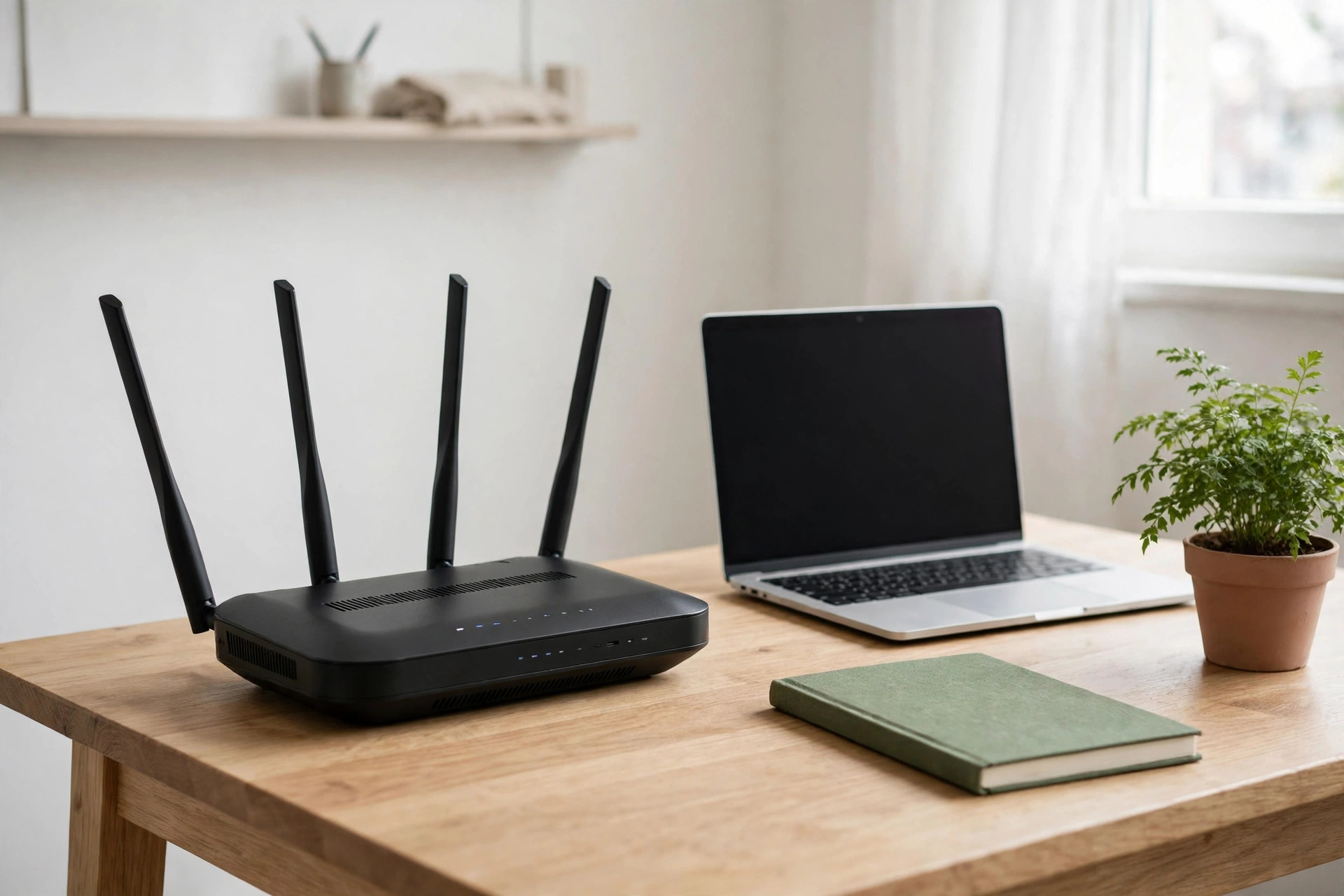
- Wi-Fi and calls: check that it supports Wi-Fi 6 (or 6E) and Wi-Fi calling if you use it at home or at work. A good phone also deserves a good router — see our guide to the best Wi-Fi router for a small home or office.
9. Check the build — and what is in the box
You will drop this phone. Check how it will survive that.
- Water resistance: IP68 is best. IP54 or IPX4 means splash and sweat resistant — fine for rain and the gym, not for a swim. No rating at all means one spill can end the phone.
- Materials: glass looks good and breaks easily; plastic is lighter and tougher. Pick the one that fits how you use a phone, and budget for a case either way.
- In the box: does it include a charger, a cable and a case? In 2026 many phones include only a cable. Add the cost of the missing charger and case to the price before you compare two phones.
10. New vs used — and the warranty and return window
A used or refurbished phone can be a smart buy — a higher-tier phone from last year for the price of a new budget phone. But only if you check three things:
- Battery health — ask for the percentage (see check 6). Below 85%, walk away or ask for a lower price.
- Update years left — count from the launch date (see check 2). A used phone with 2 years of updates left is a 2-year phone, not a bargain.
- Seller and return — buy from a seller with a return window and a warranty. Check the IMEI is clean and the phone is not carrier-locked.
For a new phone, check the warranty before you buy: a 1-year maker warranty is normal. Keep the receipt. And know the return window — if the phone does not feel right in the first week, you should be able to send it back.
Which phone should you pick? Start with how you use it
- Mostly calls, messages, video and photos: any phone that passes all 10 checks in the $200–$400 band. Spend the extra money on updates and battery, not on a faster chip you will not notice.
- Heavy gaming or video editing: put the processor and RAM first, and accept a shorter battery life.
- Photography first: put the main camera sensor, OIS and real sample photos first.
- Keep it for 4+ years: put the update promise first. A Pixel 8 or later, or a Samsung Galaxy S24 or later, gives you 7 years. A recent Galaxy A phone gives you up to 6.
- Tightest budget: a recent Samsung Galaxy A phone or a Motorola Moto G model — but check the exact RAM, storage and update promise for the exact model, because they vary. Do not buy on the brand name alone.
Check today's prices on Amazon
Prices move fast, so we do not print a price here that could be wrong tomorrow. Use these links to see today's price for the phone families this guide recommends — and run the 10 checks above on the exact model before you order:
- Samsung Galaxy A series on Amazon — see today's prices
- Google Pixel phones on Amazon — see today's prices
- Motorola Moto G phones on Amazon — see today's prices
Before you buy — the 5-point checklist
- Write your budget down first — and stay inside it.
- Check the update promise in writing, and count the years left from today.
- Check RAM (8 GB) and storage (128 GB) — and whether there is a memory-card slot.
- Look at real sample photos and a real battery test, not the spec sheet.
- Check the exact model number, carrier compatibility, warranty and return window.
Frequently asked questions
How much RAM do I need in 2026?
8 GB for most people. 6 GB is enough for light use. 4 GB will feel slow within a year. Do not rely on "virtual RAM" — it is storage pretending to be RAM, and it is much slower than real RAM.
How much storage do I need?
128 GB for most people, 256 GB if you record a lot of video, play large games, or keep the phone for years. If there is no memory-card slot, buy the bigger size now.
Is a 108 MP camera better than a 50 MP camera?
No — not by itself. Sensor size, OIS and the phone's photo software matter far more than the megapixel number. Look at real sample photos, especially at night.
Should I buy a used phone?
Yes, if it still has years of updates left, the battery health is above 85%, and the seller offers a return window. A used flagship can be better value than a new budget phone — but a used phone with 1 year of updates left is not a bargain.
How long should a phone last?
With 6–7 years of updates, a good phone can last 4–5 years of daily use. The battery is usually what wears out first. A phone with a short update promise is a short-life phone, whatever its price.
Do I need the fastest charging?
No. 25–45 W is fast enough for most people. What matters more is whether the charger is in the box, and whether the phone really lasts a full day.
The bottom line
Do not buy the phone with the longest spec sheet. Buy the phone that passes all 10 checks inside your budget: enough update years, 8 GB of RAM, 128 GB of storage, a bright screen, a full-day battery, a camera with OIS, the right 5G bands, and a warranty you can actually use. Do that, and your phone will still feel good years from now.
Questions about this guide? Contact us — and read more about who we are on our About page.

Written by
MD DOLAR HOSEN
Technology expert and the founder and author of A Natural Day. He tests and reviews everyday tech, gadgets, and home essentials, and writes practical buying gui…

Comments (0)
Join the discussion — sign in to leave a comment.
Sign in to commentNo comments yet. Be the first to share your thoughts.